
Your effort deserves a reward.
Questify is a habit tracker where every habit you complete earns emeralds. Spend them on rewards you pick yourself.


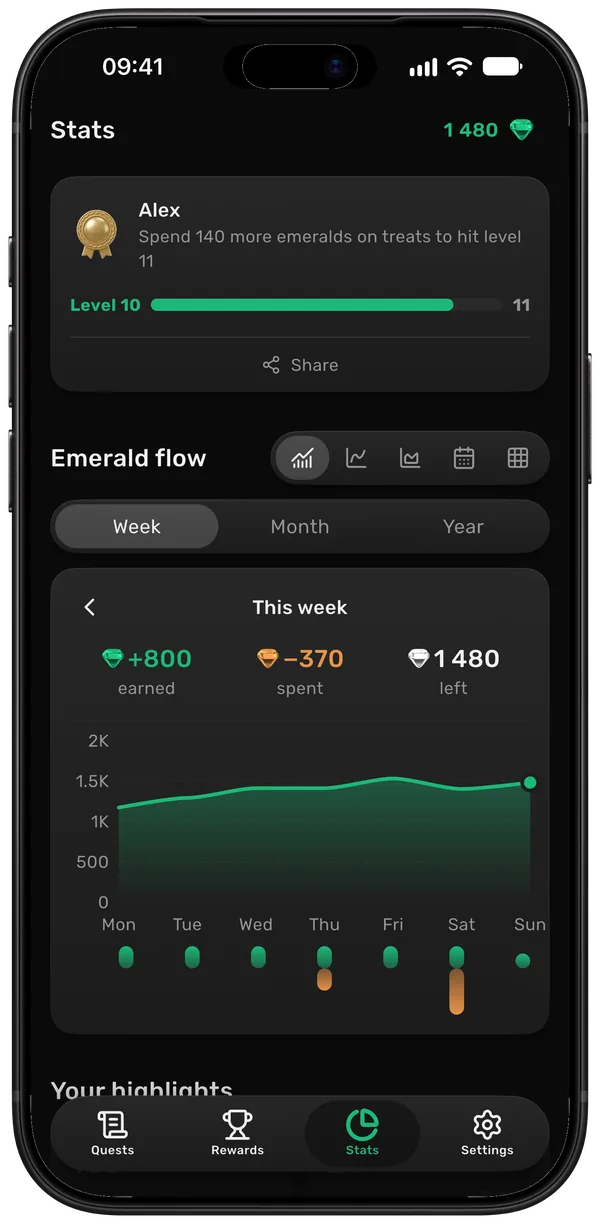
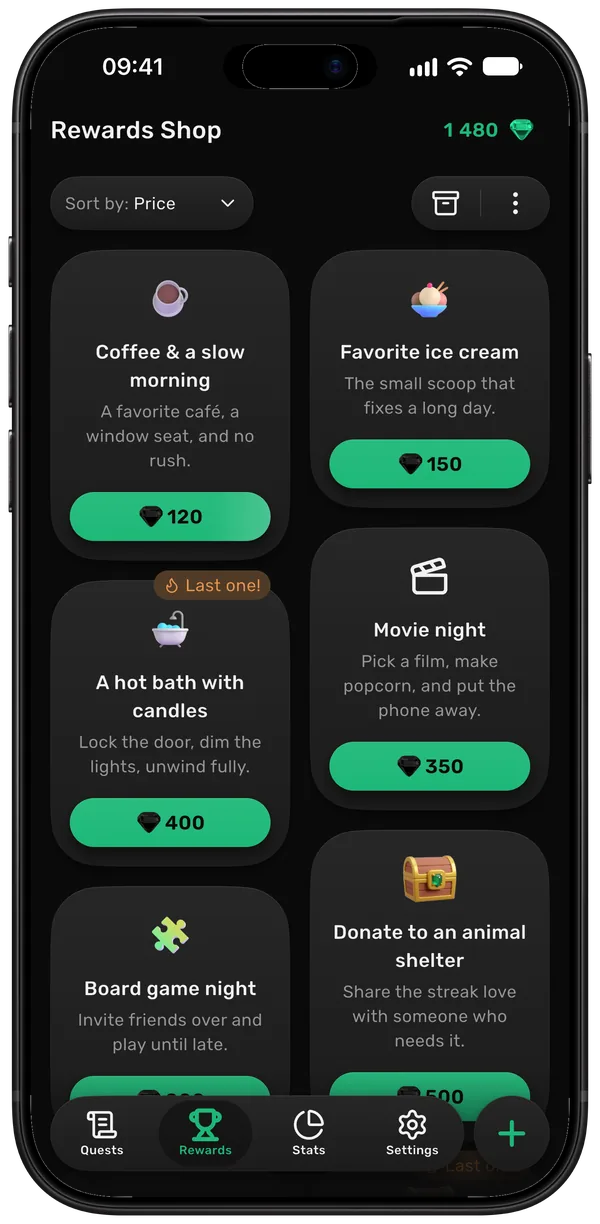
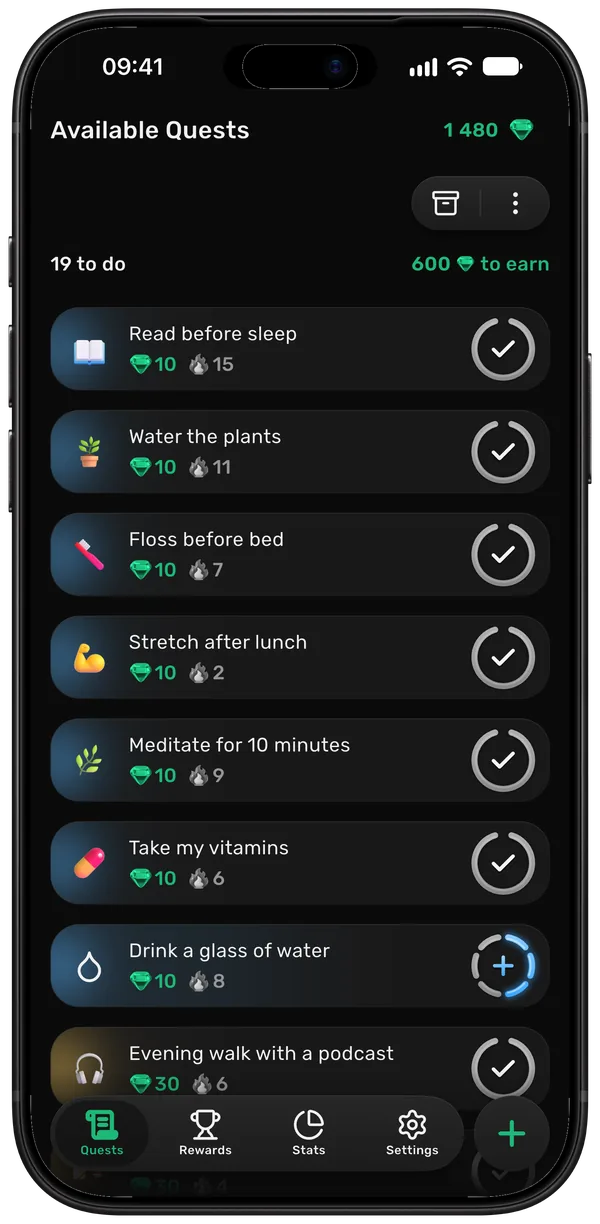
How it works in three steps.
Do your habits, earn emeralds, spend them on something you want.
 1
1Add your quests
A quest is any habit you want to keep: reading, the gym, going to bed on time. Choose how hard each one is. Harder quests earn more emeralds.
 2
2Keep a streak
Each day you complete a quest, its streak grows by one. Once the number gets big, skipping a day gets a lot harder.
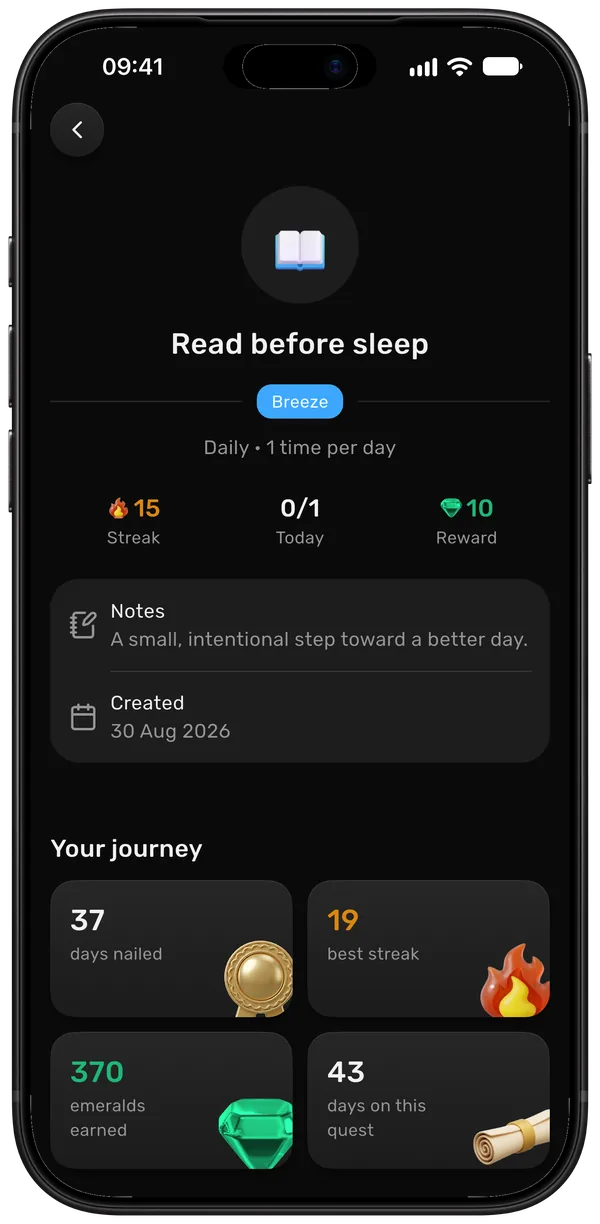
 3
3Treat yourself
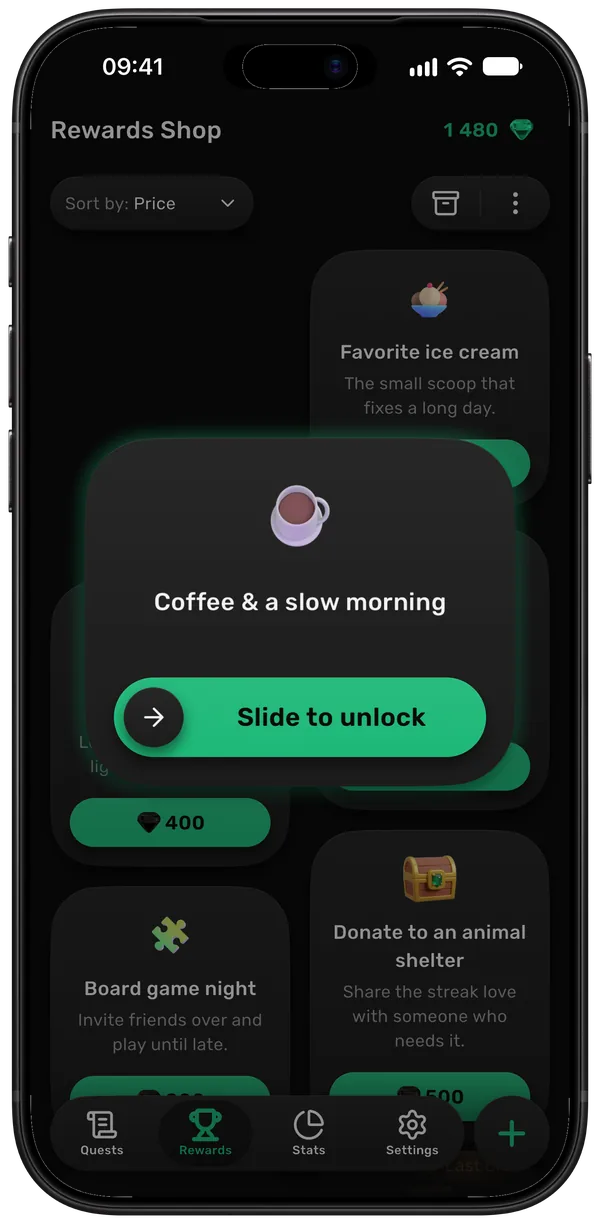
Add rewards you actually want, like a nice coffee or a movie night, and set how many emeralds each one costs. Save up enough and it’s yours.
Try it yourself.
Tap a quest to complete it, then spend your emeralds in the shop. It’s how the app works, only smaller.
 0
0Today's quests
Rewards
Features: what’s there and what’s coming.
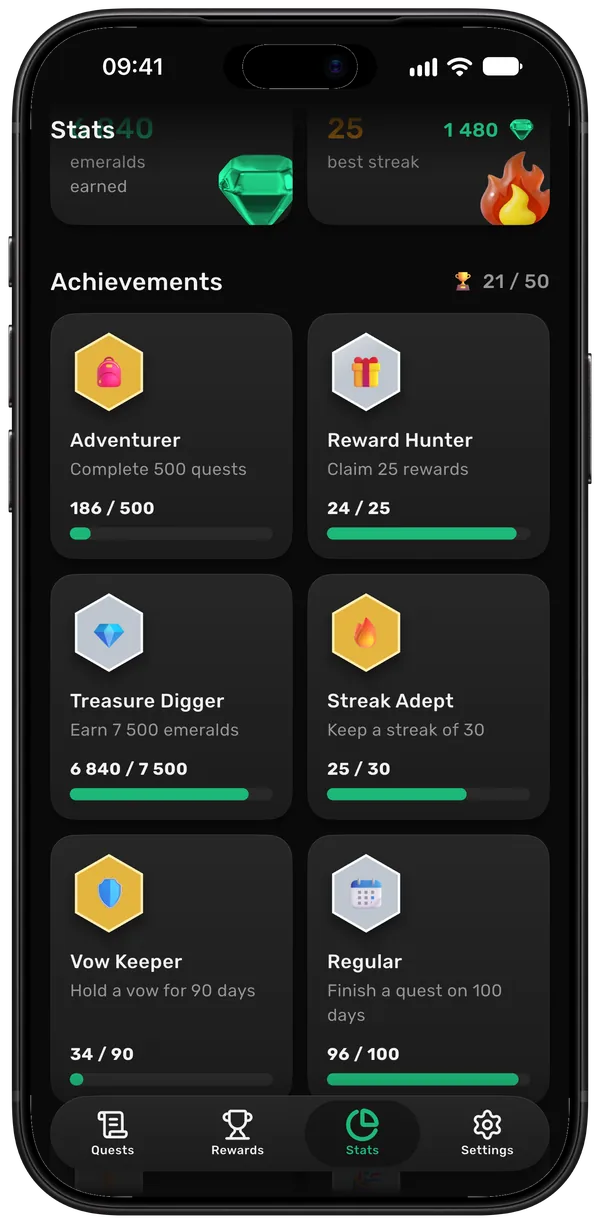
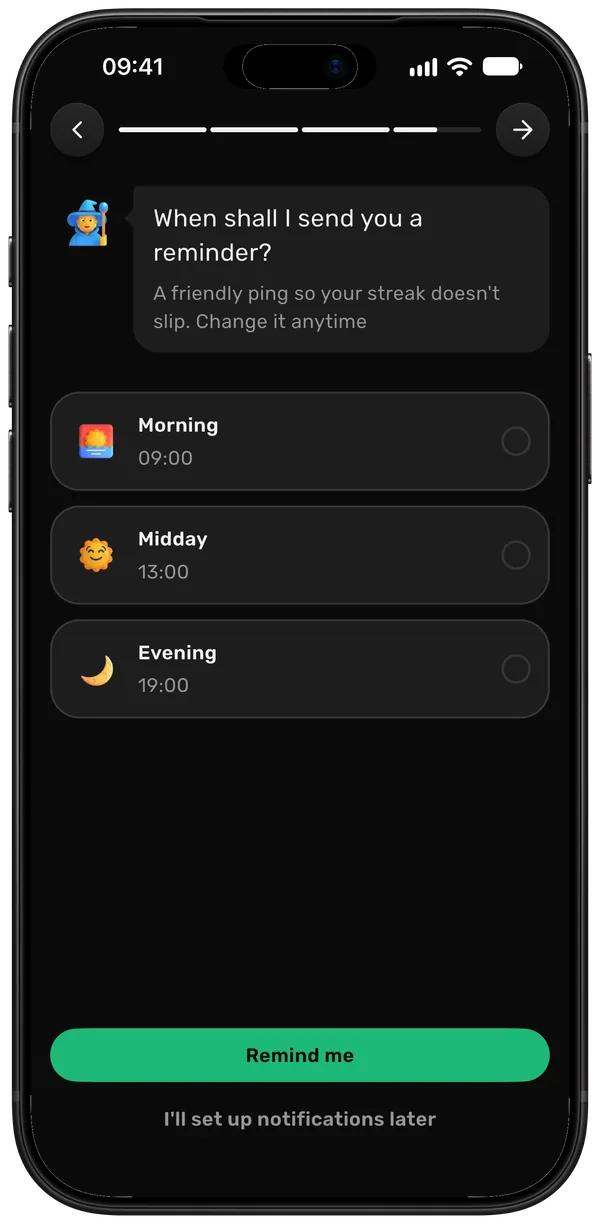
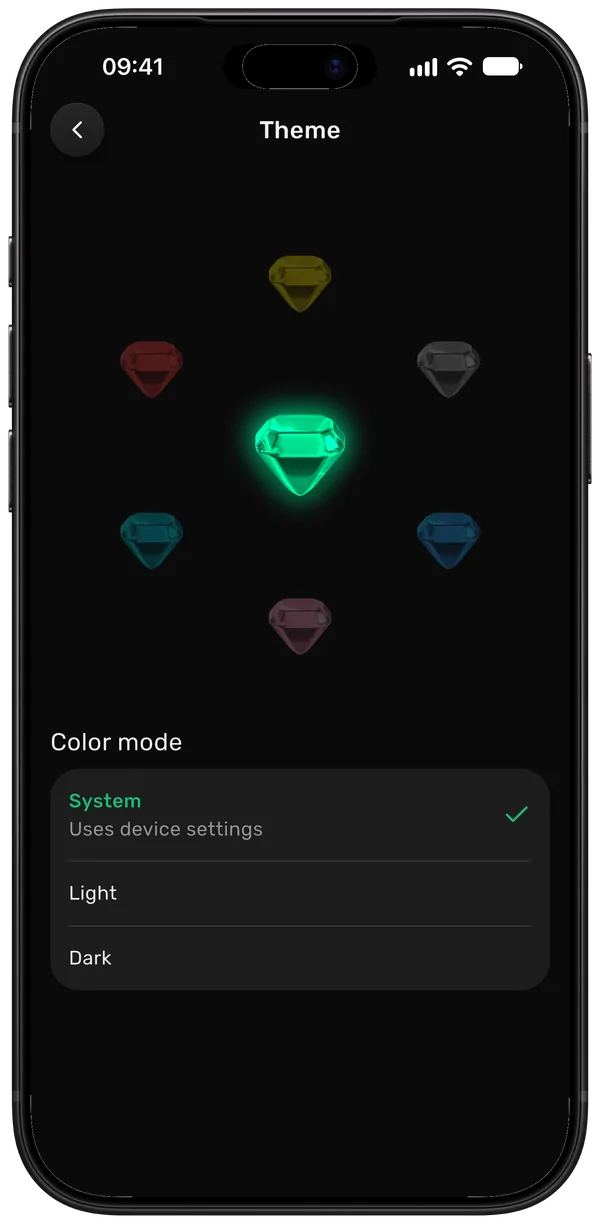
Real screens from the app.
Quest difficulty
Four levels, from Breeze to Epic. A glass of water and a leg day shouldn’t pay the same.
Your data stays yours.
What we do and don’t do with your data, in four lines.
No ads
There are no ads in the app, and we don’t sell your data to anyone.
No sign-up needed
Start as a guest, no email or password needed.
Encrypted connection
The connection between the app and our server is encrypted.
Export or delete
In Settings you can download all your data as a file or delete your account.
Questions
Most trackers just count checkmarks. Here every habit you complete turns into something you can spend on a treat, so there’s a reason to keep going besides the streak.
Yes. You can download Questify and use it for free, with no ads. There’s also an optional Premium upgrade with extra perks, as a monthly subscription or a one-time lifetime purchase. The app shows the price and what’s included before you buy, and you can cancel a subscription anytime in your App Store or Google Play account.
No. You can start as a guest, with no email or password. If you sign in with Apple or Google later, your progress comes with you.
Yes. Sign in with Apple or Google on each one and your quests, emeralds and rewards stay in sync.
Not yet. For now Questify needs a connection to save your progress. An offline mode is on the way.
English, Spanish and Ukrainian. More are coming.
In the app, open Settings and choose to delete your account. You can also download all your data there first. More about deleting your account
iOS and Android.

Pick a reward. Then go earn it.
Download Questify, add one habit and pick a reward to save up for.
No ads · Your data stays yours